ZFirm
Turn a Flipper Zero, or any small device, into a shielded Zcash signer.
The device holds your seed and signs, nothing else. ZApp on your phone syncs, builds the proofs and asks it to sign over Bluetooth; before it signs, the device checks every payment against the transaction itself and shows it on its own screen. On the Flipper Zero it is ZFlip. Add the Wi-Fi board (the Flipper's devboard or any ESP32) and it follows each transaction itself. Open source, experimental, not audited yet.
Seed stays on the device
24 words made on the device, sealed by a PIN. Only signatures leave it, and keys are wiped from memory on exit.
Checks before it signs
Every recipient, amount and memo, then the fee and the total, recomputed from the transaction. Hold OK to sign, Back refuses.
Bluetooth with ZApp
PIN pairing with the phone, no cable. Several payments, one signature. The viewing key is shown as a QR too.
Follow it over Wi-Fi
With the Wi-Fi board: today's transactions, from mempool to confirmations, the ZEC price and the network. It asks first.
Any ESP32
The Flipper's Wi-Fi devboard (ESP32-S2) or an ESP32, S3, C3 or C6. One build command per chip.
Any small device
One signer core in Rust: the Flipper Zero today, Pi Zero and other Linux boards with the same checks.
Private by design
No account, no telemetry, no customer database. The Wi-Fi board only ever sees transaction ids, never a key.
Shielded by default
Orchard and Ironwood unified addresses, a new one whenever you want.
ZFlip, on the Flipper
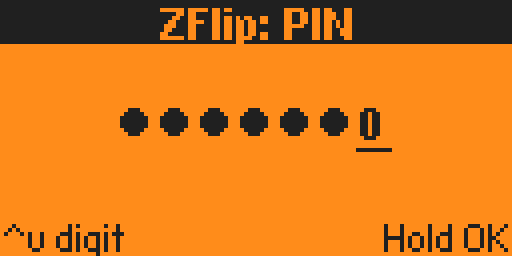
Unlock with your PIN
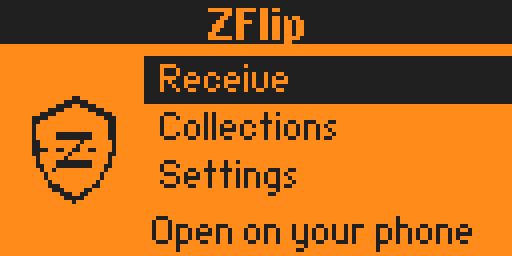
Home, with the Wi-Fi board
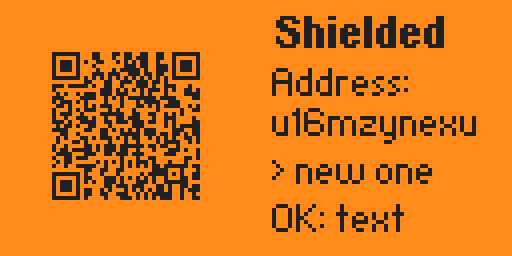
Receive, shielded
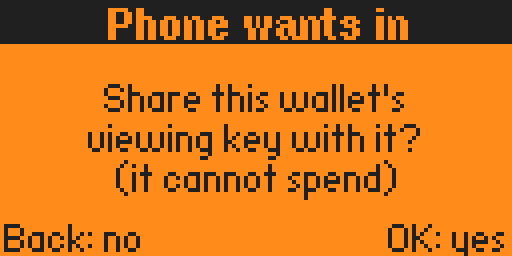
Pairing with ZApp
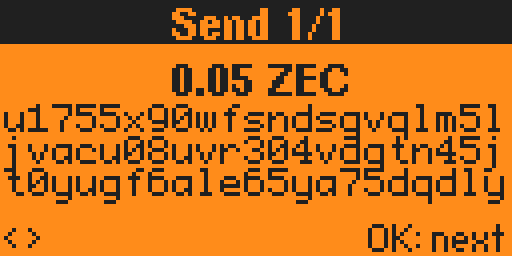
Review each payment
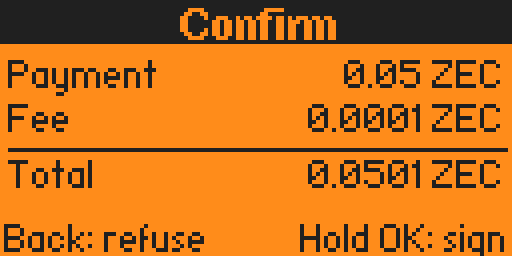
Hold OK to sign

Signing

Signed, the phone sends it
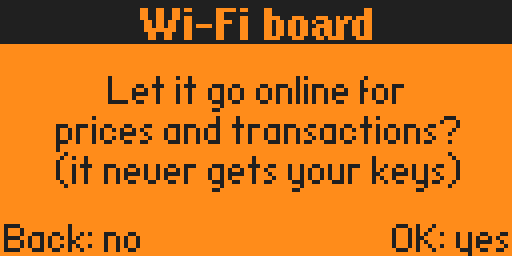
Wi-Fi board: it asks first
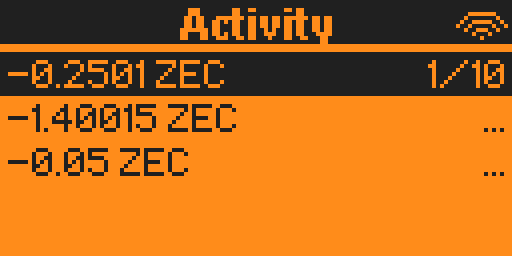
Today's transactions
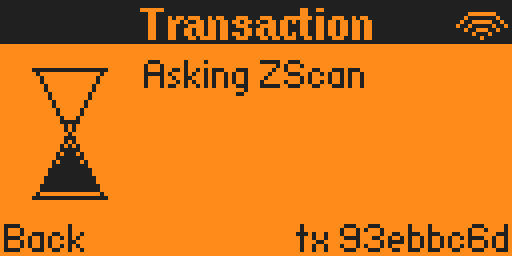
Waiting for the network
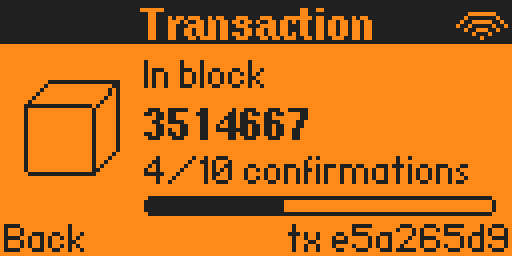
In a block, confirming
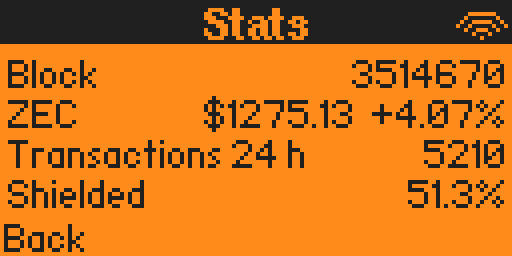
Stats, live
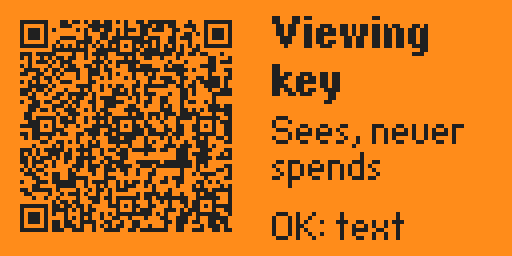
Viewing key as a QR
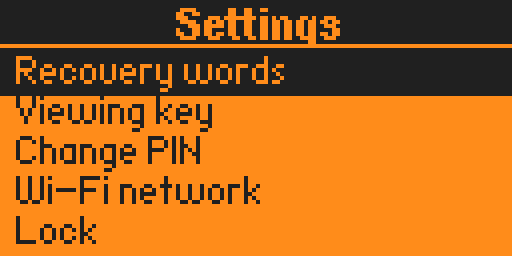
Settings